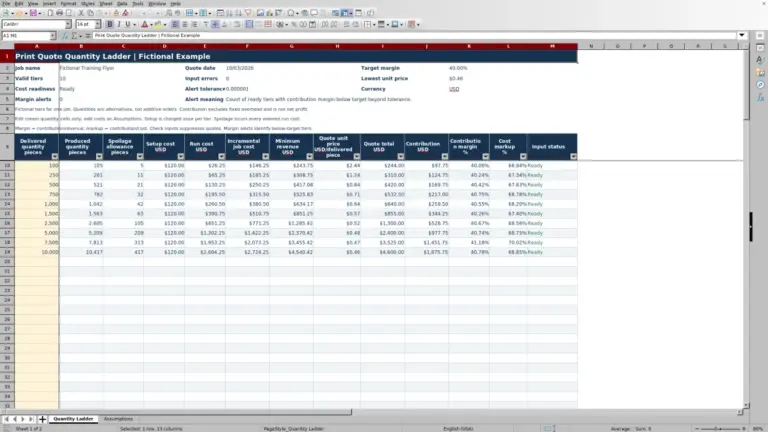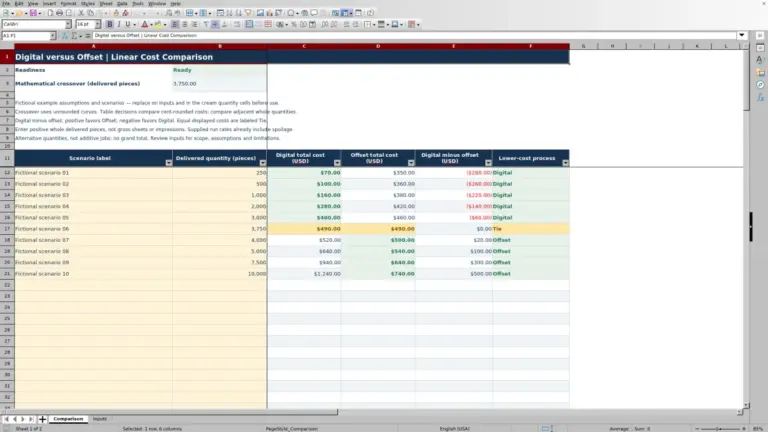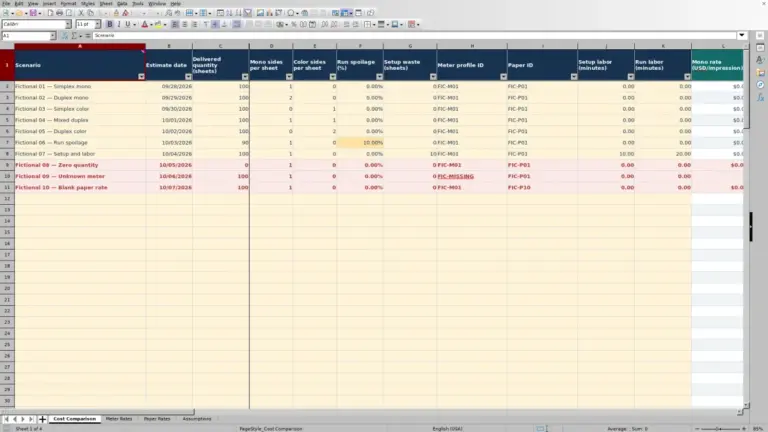
A press hourly cost rate depends on both the annual costs you include and the productive hours available to recover them. Print Shop Sheets’ editable Excel workbook divides annual lease, fixed service and allocated utilities by productive press hours to support your estimating decisions.
Use this print press hourly rate calculator to document a machine-only cost rate, not a selling rate. Review the budget and time assumptions before carrying the result into a separate estimate. All sample records and figures are fictional.
Where this workbook helps
- Give estimators a documented machine-only cost rate for the intended press.
- See how productive-hour assumptions affect annual cost recovery.
- Identify missing inputs, out-of-range values and duplicate press IDs before using a rate.
- Keep budget sources and utilities allocation notes beside the calculated result.
What is in the file
How to get started
1. Open the workbook and review its scope
Open the file in Excel or LibreOffice and allow automatic recalculation. Read Guide before editing. The generated workbook contains formulas without precomputed result caches, so a preview may not show calculated values.
2. Identify the press and enter annual costs
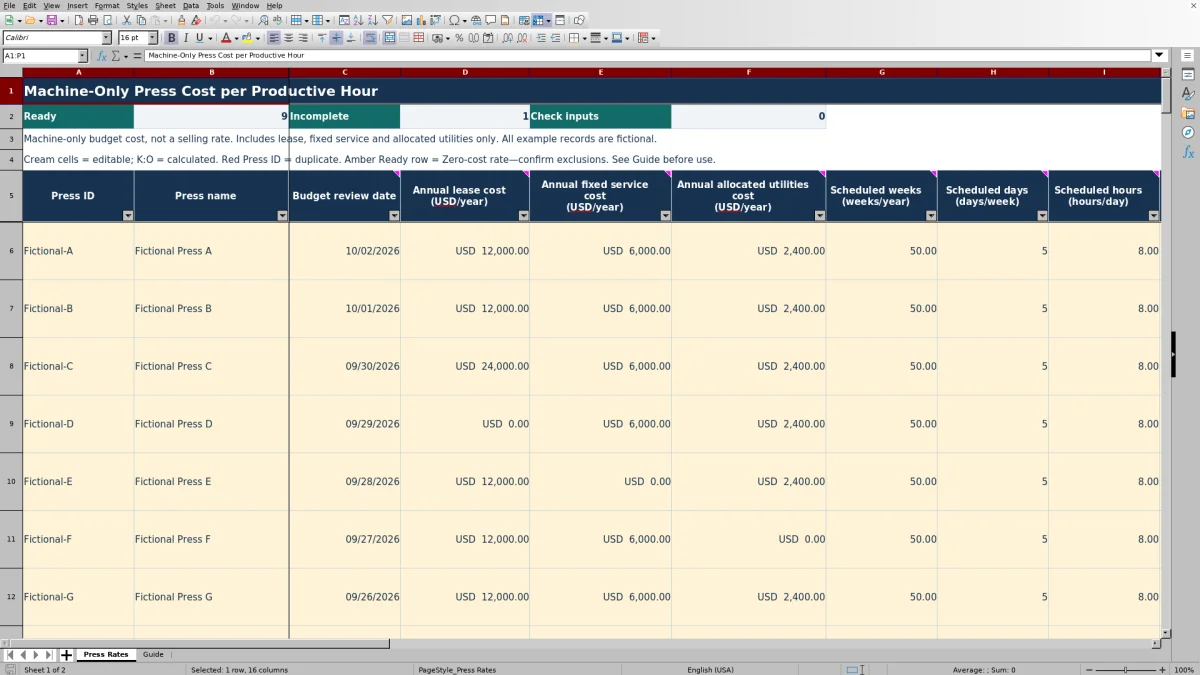
On Press Rates, replace a fictional record or use an available input row. Enter Press ID, Press name and Budget review date, then the annual lease, fixed service and allocated utilities amounts in USD/year. Use a numeric zero only when that included cost is verified as zero; leave an unknown amount blank.
3. Set the schedule and productive share
Enter scheduled weeks/year, days/week and hours/day. Enter Productive share as a percentage of scheduled hours expected to be recovered through hourly costing. Include productive setup and run time consistently. Explain your budget sources, utilities allocation and time assumptions in Budget source and allocation notes.
4. Review the result before using it
Keep calculated columns K:O intact. Check Input status, duplicate-ID highlighting and any amber zero-cost warning. Then review Machine cost rate (USD/productive hour), its supporting hours and the included annual cost. Transfer the documented rate into your separate estimate only after confirming its scope and assumptions.
Choose the costs this rate should recover
Start with the three annual amounts the workbook supports: lease, fixed service and the press’s allocated utilities. Use the same budget period for all three. A monthly invoice is not an annual amount; annualize it outside the workbook before entering it in the USD/year field.
The calculation adds these amounts into Included annual cost. Labor, consumables and per-impression service charges are excluded, as are general overhead, markup, margin and taxes. Keep those items in the appropriate parts of your separate estimating process rather than treating this output as a complete press selling rate.
An owned press may have a verified zero lease cost. That does not establish that its total ownership cost is zero: this workbook has no separate depreciation or purchase-cost input. Document what is excluded so the estimator understands what the hourly figure can and cannot recover.
Document the utilities allocation before entering it
The workbook accepts an allocated annual utilities amount; it does not calculate the allocation from meter readings or utility bills. Work out a press-specific amount first, using measured consumption and a budget energy price or a justified share of an annual utilities budget.
Use Budget source and allocation notes to record the source period, allocation method and assumptions. If several presses share a utilities budget, reconcile those allocations outside this workbook so the same expense is not assigned more than once.
A Ready status does not confirm the documentation. A missing note does not block the calculation. Before using the rate, check that another estimator could trace the entered amount back to the source and understand any verified-zero assumptions.
Use productive hours rather than all scheduled hours
First, the workbook multiplies scheduled weeks/year by days/week and hours/day to calculate scheduled hours/year. It then multiplies that total by Productive share to calculate productive hours/year. Those productive hours are the denominator used to spread the included annual cost.
Estimate productive share from your own operating assumptions. Include setup and run time you expect to recover through hourly costing, and exclude idle time and maintenance. The workbook does not measure utilization or prescribe a standard percentage.
Use the same definition of an hour downstream. This workbook does not split setup from run costs; both share one machine-only rate. If your estimate applies the rate only to run hours while the budget assumed recovery through setup and run hours, the two calculations no longer use the same basis.
Typed schedule entries allow positive weeks up to 53, whole days from 1 to 7, and positive hours/day up to 24. Productive share must be greater than 0% and no more than 100%. These are entry bounds, not evidence that a schedule is realistic for your shop.
Fictional example: how productive share changes the rate
The supplied Fictional Press A record uses annual lease of USD 12,000, fixed service of USD 6,000 and allocated utilities of USD 2,400. Its fictional utilities note explains the amount as 12,000 kWh/year × USD 0.20/kWh; that allocation is documented in the note, not calculated by a dedicated utilities formula.
The supported calculation follows this sequence:
- Included annual cost: USD 12,000 + USD 6,000 + USD 2,400 = USD 20,400/year.
- Scheduled hours: 50 weeks/year × 5 days/week × 8 hours/day = 2,000 hours/year.
- Productive hours: 2,000 hours/year × 50% = 1,000 productive hours/year.
- Machine cost rate: USD 20,400/year ÷ 1,000 productive hours/year = USD 20.40/productive hour.
Fictional Press B uses the same annual costs and schedule but an 80% productive share. Its 1,600 productive hours/year produce a rate of USD 12.75/productive hour. The lower rate comes from spreading the same cost over more productive hours—not from reducing the annual budget.
The next decision is whether the productive share is supportable for the press being estimated. Do not select the larger percentage simply to lower the rate. Both percentages are fictional, editable assumptions, not shop targets or industry standards.
Troubleshooting blank rates, warnings and pasted inputs
A blank rate is not a zero-cost rate. The output formulas run only when Input status is Ready. Use the status to decide what to correct:
- Incomplete: supply the missing press ID, name, numeric review date or numeric cost/time input. A blank cost means unknown; entering zero changes that assumption.
- Check inputs: check for negative costs, nonpositive schedule entries, excessive schedule values or a productive share outside the allowed range. Enter 50% or 0.5 for a half-time productive share, not the number 50.
- Ready with an amber row: all three included annual costs are zero. Confirm those zeros and the excluded costs before accepting USD 0.00 as the machine-only result.
- Red Press ID: resolve the duplicate identifier before transferring a rate. Duplicate IDs do not change Input status.
An entirely blank input record has no status or calculated output. Partly clearing a record can leave it Incomplete; the fictional example rows also contain review-date formulas that remain unless you replace or clear them.
Typed-entry validation is not a complete audit. Pasting can bypass it, and the status formula does not recheck every validation rule. For example, it checks numeric day bounds but not whether pasted days are whole numbers, and it checks that a date is numeric rather than repeating the full date-range validation. Inspect pasted values even when the row says Ready.
Carry the rate into an estimate without double counting
Filter Press Rates to the intended press and verify its review date, source notes, productive share and cost scope. The rate is expressed in USD per productive hour—not per sheet, impression or finished piece. Any use in a job estimate needs a separate estimate of applicable productive press hours.
Do not charge the included costs twice. If this rate already recovers lease, fixed service and allocated utilities, do not add those same costs again elsewhere in the estimate. Add excluded categories separately using your shop’s estimating method.
Keep a dated copy of the assumptions used for an estimate before revising annual costs or productive share. The workbook has a review-date field but no verified automatic revision history or transfer integration. Preserve the rate’s scope and source with the receiving estimate rather than passing along an unexplained hourly number.
The formulas retain full calculation precision while monetary results display two decimal places. Decide how your separate estimating workbook will handle precision, and use that approach consistently.
Compare this workbook with a blank spreadsheet
A blank spreadsheet is a realistic alternative when you already maintain your own press-cost model. Compare the calculation basis and maintenance work, not just whether either method can divide annual cost by hours.
| Method | Cost and hour structure | Input review | Estimating handoff | Maintenance |
|---|---|---|---|---|
| Print Shop Sheets workbook | Prepared formulas for three annual cost categories, schedule and productive share. | Status formulas, validation, duplicate-ID highlighting and zero-cost warnings; assumptions still need checking. | Use the documented result in a separate estimate; no verified automatic transfer. | 100 prepared records; preserve calculated columns and retest any changes. |
| Blank spreadsheet | You define the cost categories, hour basis and formulas. | You build any validation, warnings and review fields you need. | You decide how to record and carry the result into estimates. | You maintain and test the layout, formulas and any added records. |
Use this workbook when its machine-only scope matches your estimating task and you want a prepared structure. Use a custom spreadsheet when you need a different model, such as separate setup and run rates or additional cost categories, and can maintain and test those calculations. Neither approach makes the underlying budget assumptions accurate by itself.
Frequently asked questions
Does changing the example reference date record a budget review?
No. The ten fictional review dates reference Guide B2, labeled Example reference date, with offsets of zero through nine days. Changing that reference changes those example dates; it does not establish that you reviewed a budget. Replace the fictional dates with the appropriate review dates for your records, displayed as MM/DD/YYYY.
Can I add more than 100 press records?
The prepared range is rows 6–105 on Press Rates. Do not assume that entering data below row 105 extends formulas, validation, formatting, filters or summary counts. If you expand the editable workbook, extend the relevant ranges deliberately and test the results before relying on them.
Are the calculated cells protected from editing?
No. Calculated columns K:O are visually distinguished but are not sheet-protected. Keep a clean copy before modifying the file. If a formula is overwritten, restore it from a known-good copy and recalculate before using the affected rate.
Can I use the fictional records to check recalculation?
Yes. In an unchanged sample workbook after recalculation, the expected summary is nine Ready records, one Incomplete record and zero Check inputs records. Fictional Press I has a blank rate, while Fictional Press J has a zero rate with the amber warning. These checks help identify calculation or editing problems; they do not validate your shop’s replacement budgets.
Is this a print MIS or a job quote calculator?
No. It is an editable Excel workbook for establishing a documented machine-only cost per productive press hour. It does not calculate a complete job quote or recommend a selling price. Use the result as one cost input in a separate estimating process.
Editorial coverage

Clara WinslowPrint estimating editor

Miles FenwickPrint workflow editor